
How to Create Professional Quotes and Invoices For Tradebusiness
Creating professional quotes and invoices can help you win customer trust, avoid payment disputes and keep your trade business organised. Here’s what to include in each document and how to get them right.
· 11 min read
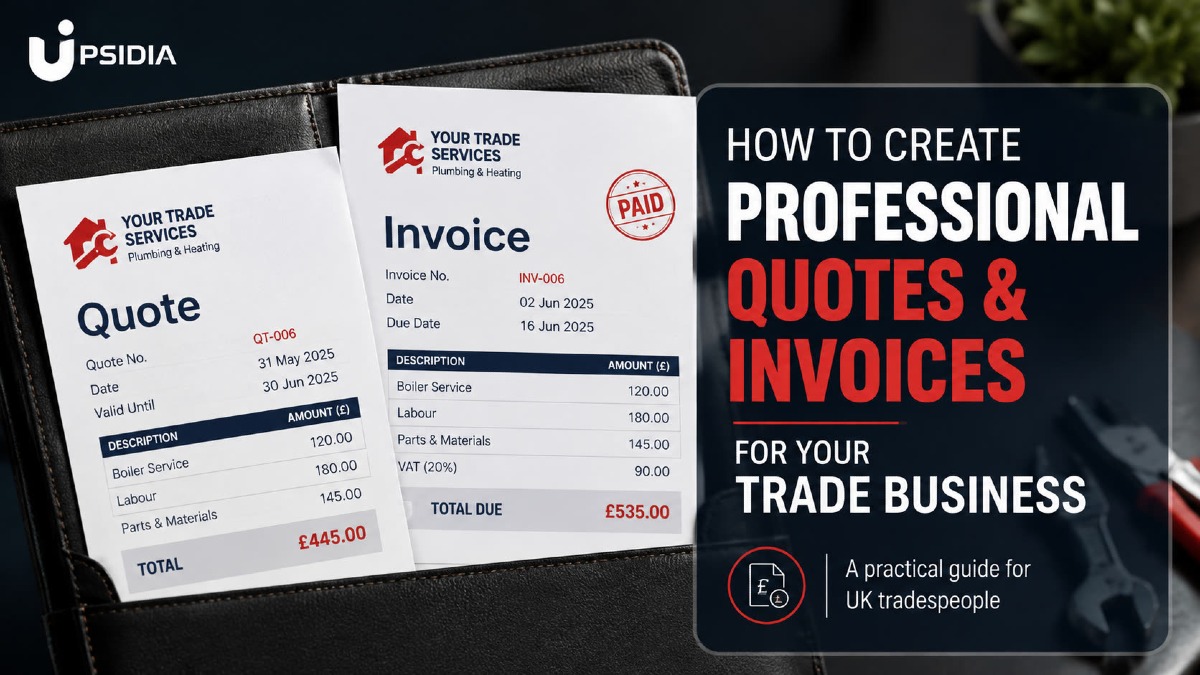
Running a trade business involves more than doing a good job. You also need to present your business professionally, from the first quote you send out to the final invoice that you issue.
In this guide, we will be showing you how to create professional quotes and invoices for your trade business and tools that can make the process much easier and faster.
Quote vs. Invoice: What’s the difference?
A quote and an invoice are both important documents in a trade business, but they serve different purposes. A quote tells the customer how much to expect a job to cost, while an invoice requests payment for a job that has been completed or at an agreed stage of the job.
What is a Quote?
A quote is an estimated price that is agreed upon before the job begins based on the customer's requirements. It can include labour, materials, and any other charges that will be involved in completing the job.
It gives the customer a clear idea of what they are to pay before they decide whether to go ahead with the job.
What is an Invoice?
An invoice is a payment request sent to the customer for a completed job or when a payment is due at an agreed stage of payment. It should clearly show what the customer is paying for, the amount due, and how the payment can be made.
Can a Quote be Converted into an Invoice?
Yes, it can. Once a customer has accepted the quote, you can use the information from the quote to create an invoice. This saves you from having to refill the customer's details and job description or requirements all over again.
If you are using software that supports quote-to-invoice, like Upsidia, you can often create invoices from approved quotes with just a few clicks.
What Should a Professional Trade Quote Include?
A professional quote should give the customer a clear picture of what the work you are proposing is and how much it should cost. It should contain enough details to avoid confusion later and make it easy for the customer to decide whether to go ahead with the job.
a. Business Details
Include the business name, contact details, and any relevant business information that will help the customer know who the quote is from and how to contact you.
Example:
Da’Agric Girl
Email: [email protected]
Phone: 07XXX XXX XXXX
b. Customer Details
Add customer details and contact information along with property and job location where applicable.
Example:
Customer: Sarah Williams
Job address: 24 Oak Road, Glasgow
c. Quote Number and Date
Give each quote a unique reference number and include the date it was issued. This makes it easy to find and refer to quotes later.
Example:
Quote number: QUO-00125
Date issued: 3 September 2026
d. Detailed Description of Work
Clearly explain the work that you will carry out. Include the main task, materials to be used, and anything else covered by the quote so that the customer can easily understand what they are paying for.
Example:
Gardening maintenance: lawn mowing, hedge trimming, weeding and removal of gardening waste.
Instead of writing just “garden work- £250”, a detailed description shows the customer what exactly they are paying for.
e. Total Price and Payment Terms
Show the total cost to be paid and explain how and when the payment is expected to come in. If you are requesting a deposit or a staged payment, it should be included in the quote.
Example:
Labour: £180
Waste removal: £40
Materials: £30
Total: £250
Payment terms: 50% deposit is required to confirm booking; remaining balance due on completion
f. Quote Validity Period
Let the customer know how long the quote price will remain valid. This is particularly important when your material and supplier costs can change at any time.
Example:
This quote is valid for 30 days after being issued.
g. Terms and Conditions
Include any important conditions related to the job, such as what is included or excluded, cancellation terms, variations to the agreed work, and payment conditions.
Example:
Additional work requested by the customer after approval of this quote will be quoted separately and must be approved before work begins.
How to Create a Quote Step-by-Step
Writing a professional quote doesn’t have to be complicated. The goal is to write your costs, present them clearly, and give the customer enough information to make a decision.
a. Understand Your Customers
Start by making sure you understand exactly what your customer wants. Ask questions, inspect the site where necessary, materials needed and any specific requirements.
For example, if a customer contacts Da’agric girl for gardening maintenance, you may need to know the size of the garden, the type of work involved, whether garden waste needs to be removed, or if they need a one-off service or a regular maintenance routine.
b. Calculate Your Cost
Work out what the job will cost before deciding what to charge the customer. Consider all relevant costs including:
Labour
Material
Equipment
Travel
Waste disposal
Any subcontractor charge
For example, if a gardening maintenance job will cost £200 in labour, materials and waste removal, this gives you a starting point for calculating your final price.
c. Add Your Profit Margin
Your quotes should cover your cost and leave you with a reasonable profit. Once you have calculated the cost of completing the job, add your desired profit margin before arriving at your final cost.
For example, if your total cost is £200 and you want to make a profit of £50, your quoted price should be £250.
d. Break Down the Quotes Clearly
Once you have calculated your cost and added your profit margin, present the final cost clearly in the quotes.
For example
Work | Cost |
Lawn mowing and edging | £80 |
Weeding and pruning | £100 |
Garden waste removal | £40 |
Materials | £30 |
Total quoted price | £250 |
Your profit doesn’t need a separate line as it can be built into the price you are charging your customer.
e. Review and Send the Quotes
Before sending the quotes, make sure that the customer's details, job descriptions, prices, calculations, payment terms, validity period, and any other important information are correct and included.
Once everything is accurate, send the quotes to the customer and keep a copy for yourself for record-keeping.
What Should a Professional Trade Invoice Include?
An invoice is more than a payment request and should show clearly what the customers are being charged for, how much they owe, and when the payment is due.
According to Gov.uk, a professional invoice should include the following:
a. Business Information
Include your business name, contact details, and any other important information about the business. This helps customers to be able to identify who issued the invoice and how to contact them.
b. Customers and Job Description
Add the customer's details and contact details along with the job or property location where relevant; including the job information makes it easy to match the invoice to the correct work.
c. Invoice Number and Date
Give each invoice a unique issue number and include the date it was issued. You should also include the payment date where applicable.
Example:
Invoice number: INV-00125
Issue date: 3 September 2026
Due date: 24 September 2026
d. Break Down Payment Charges
Clearly list the work completed, materials supplied, and any other charges. This allows the customer to see what the invoice covers rather than receiving an unexplained one.
e. Total Amount Due
Show the total amount the customer needs to pay clearly. If applicable, separate subtotals, VAT, and the final amount due so there is no confusion about what they owe.
f. Payment Instructions
Tell the customer how they can pay and when the payment is expected. You might include your bank details, payment links, or any other payment method.
Example:
Payment due within 14 days. Please use invoice INV-00125 as your payment reference.
How to Create an Invoice Step-by-Step
Once the job is complete or the payment stage has been reached, you can create an invoice to request payment from the customer. The process is straightforward when you already have the job details and agreed price.
a. Start with the Complete Job or Payment Stage
Create the invoice when the job has been completed, or the agreed payment is due. If the job involves stage payments, invoice the customer according to the agreed payment schedule on the quote.
b. List the Work and Costs
Describe the job completed and list the relevant charges. If the invoice is based on an approved quote, use the quote details as a reference to make sure the invoice reflects what was agreed upon.
For example, a plumber who has completed a boiler repair could list the labour, replacement parts, and call-out charge separately rather than simply writing “Boiler repair – £450.”
c. Set the Payment Terms
The payment date should clearly be reflected and should be consistent with what you agreed before the job started. Being clear about deadlines gives the customer a specific date to work with and makes it easy for you to follow up on overdue payments.
d. Review and Send the Invoice
Before sending the invoice, take time to check everything. Make sure the customer's details, invoice number, job description, charges, total amount, payment terms, and instructions are clearly written.
Once you have confirmed that everything is correct, send the invoice to the customer and keep a copy for your records.
Why Tradepeople Need Quoting and Invoicing Software in One Place
Every time you switch between tools, typing and re-typing customers' details, job information and prices, you are creating more work for yourself and more opportunities for errors.
Quoting and invoicing software brings these tasks together, so you can manage your customers' information, quotes, invoices and payments. This can make your daily administrative tasks faster and help keep records as your business grows.
a. Reduces Administrative Errors
Manually entering the same information across different tools can lead to mistakes, such as incorrect customer details, pricing, or invoice amounts. Keeping your information in one place reduces the need to repeatedly enter the same information.
b. Track Job Profitability
Knowing how much you are charging is only part of running a profitable trade business. You also need to know what you are spending on.
Having your job costs, quotes, and invoices in one place makes it easy to compare what the job will actually cost to what you will earn from the job.
c. Keeps Your Record in One Place
Instead of searching through emails, spreadsheets, and different apps for customer and payment information, you can keep your quotes, invoices,e and job records together. This makes it easy to find information and keep track of your business activity.
Tools tradespeople can use to create quotes and invoices
There are several ways to generate quotes and invoices, from simple templates to dedicated trade business software. The right option for your trade business depends on how many jobs you want to handle and how many administrative tasks you can handle manually.
a. Spreadsheet
Spreadsheets such as Excel or Google Sheets can be a simple way of creating quotes and invoices, especially when you are just starting out.
They are useful for calculating costs and keeping basic records, but you still have to manually input all information, does not help with keeping track of records and also do not look professional.
b. Word or Google Document
Word or Google Docs give you control over the appearance and mean that you don’t have to start from the beginning every time you want to fill out a quote or an invoice.
However, you will still need to manually input all the information and don't automatically connect your customers, quotes, invoices, and payments together.
c. Trade Business Platforms
Dedicated trade business platforms like Upsidia make it easier to create, manage, and track quotes and invoices in one place, without constantly switching between different tools. You just have to fill in the details, and it provides you with a professional quote and invoice.
Common Mistakes When Creating Quotes and Invoices for Your Trade Business
Even when you know what to include in a quote and an invoice, small mistakes can still make your trade business less professional, cause confusion with customers, or delay payments. These mistakes include:
Not clearly breaking down the work and cost.
Not checking VAT or tax settings.
Using the same number for different documents.
Not keeping track of quotes and invoices.
Making your quotes and invoices different to understand.
Marking an invoice as read without recording payments.
Forgetting to update customer details.
Conclusion
Creating professional quotes and invoices doesn't have to be complicated. A clear quote helps customers understand what you're offering before they commit, while a well-prepared invoice makes it easier to request and track payment.
For tradespeople managing multiple jobs, bringing quoting and invoicing together can save time, reduce repetition of administrative tasks, and help you keep track of your business.
Ready to create professional quotes and invoices for your trade business? Create your Upsidia profile and get up to 10 free quotes and invoices every month. Available to UK local trade professionals and small business owners.
Frequently asked questions
How do I write a professional quote for a customer?
Start by understanding the customer's requirements and calculating the cost of the job. Your quote should include your business and customer details, a description of the job to be done, a breakdown of costs, the total price, payment terms, and how long the quote is valid for.
Can I use quoting and invoicing software on my phone?
Yes, you can. Many quoting and invoicing platforms are designed to work on mobile phones, allowing you to manage and send documents while you are in the field or away from your desk.
Can I convert a quote to an invoice?
Yes. If your quoting and invoicing software supports quote-to-invoice conversion, you can use an approved quote to create an invoice instead of entering the customer and job details again.
Is free quoting and invoicing software good?
Free software can be a good option for small trade businesses with straightforward needs. However, check the number of quotes and invoices you can create, the features included, and whether there are usage limits before choosing a tool.
What is the difference between a quote and an invoice?
A quote tells the customer how much to expect a job to cost, while an invoice requests payment for a job that has been completed or at an agreed stage of the job.
Want more customers without doing the marketing yourself?
Tell us about your business and we will show you what is holding it back online. No obligation.
Contact us →One useful marketing idea for your trade, straight to your inbox
No spam, no selling your data. Unsubscribe with one click.