Upsidia vs Tradify: Which software fits your trade business better?
Deciding between Upsidia and Tradify? we compare pricing, quoting, payments, bookings, and marketing tools side by side, so you can see which software fits your trade business better.
· 6 min read
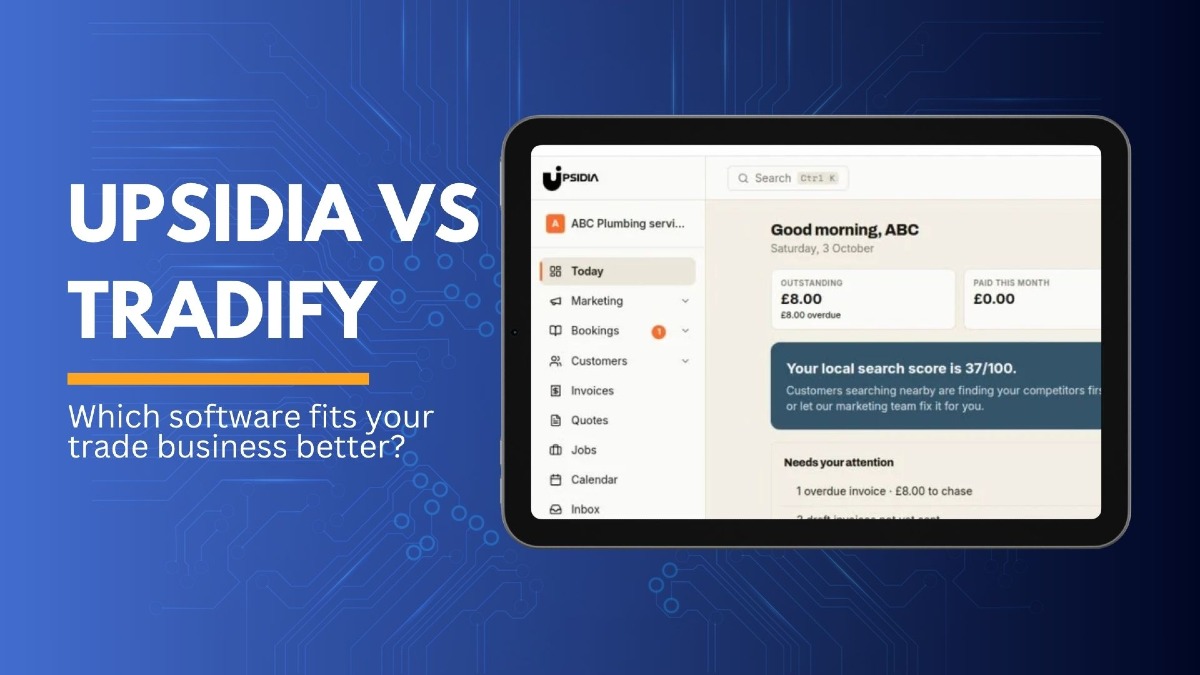
Running a trade business means keeping track of more than just jobs. You need to manage bookings, send quotes, raise invoices, follow up with customers and make sure you get paid on time.
The right job management software can bring these tasks together, but not every platform works in the same way. Upsidia and Tradify both offer tools for managing jobs, customers, quotes, and invoices, but they take different approaches to helping trade businesses stay organised.
In this comparison, we will look at Upsidia and Tradify side by side, including their features, pricing, team options, and everyday tools. We will also cover what to consider before choosing one, so you can find the software that fits the way you run your business.
Our verdict
Both Upsidia and Tradify give trade businesses tools to manage customers, quotes, and invoices. The better fit depends on what you need the software to handle and how your business operates.
Choose Upsidia if:
You want a free plan to get started without committing to a paid subscription.
You want booking, quotes, invoices, CRM, and job management in one place.
You want a tool that supports customer retention, including review requests and follow-ups.
You also want to work on your local visibility through SEO and Google Business Profile tools.
You want a platform that combines day-to-day business management with marketing and growth tools.
Choose Tradify if:
You want trade-focused job management and scheduling.
You need tools that manage job cost, timesheets, and subcontractors.
You prefer a per-user pricing model as you build your team.
You want integrations with accounting platforms like Xero, QuickBooks, or Sage.
You need mobile app access for managing jobs while you are on the go.
Upsidia vs Tradify at a glance
Features | Upsidia | Tradify |
Headquarter | United Kingdom | New Zealand |
Price | Free version, then Pro €29/month, and Team €59 flat | Lite $47, Pro $51, and Plus $61 per user per month |
Pricing model | Flat rate | Per user |
Free option | Free plan (access for 2 users) | 14-day free trial |
Booking | ✓ | ✓ |
Quoting and invoicing | ✓ | ✓ |
Job scheduling | ✓ | ✓ |
Job management | ✓ | ✓ |
Customer Relationship Management (CRM) | ✓ | ✓ |
Customer follow-ups | ✓ | ✓ |
Automated review requests | ✓ | 𐄂 |
Local SEO tools | ✓ | 𐄂 |
Google Business Profile management | ✓ | 𐄂 |
Mini website | ✓ | Website available as add-on on |
Online payments | ✓ | ✓ |
Accounting integrations | Xero integration on supported plan | Xero, Sage, and QuickBooks Sync |
Mobile access | Web-based access | Mobile app and desktop access |
What is Upsidia?
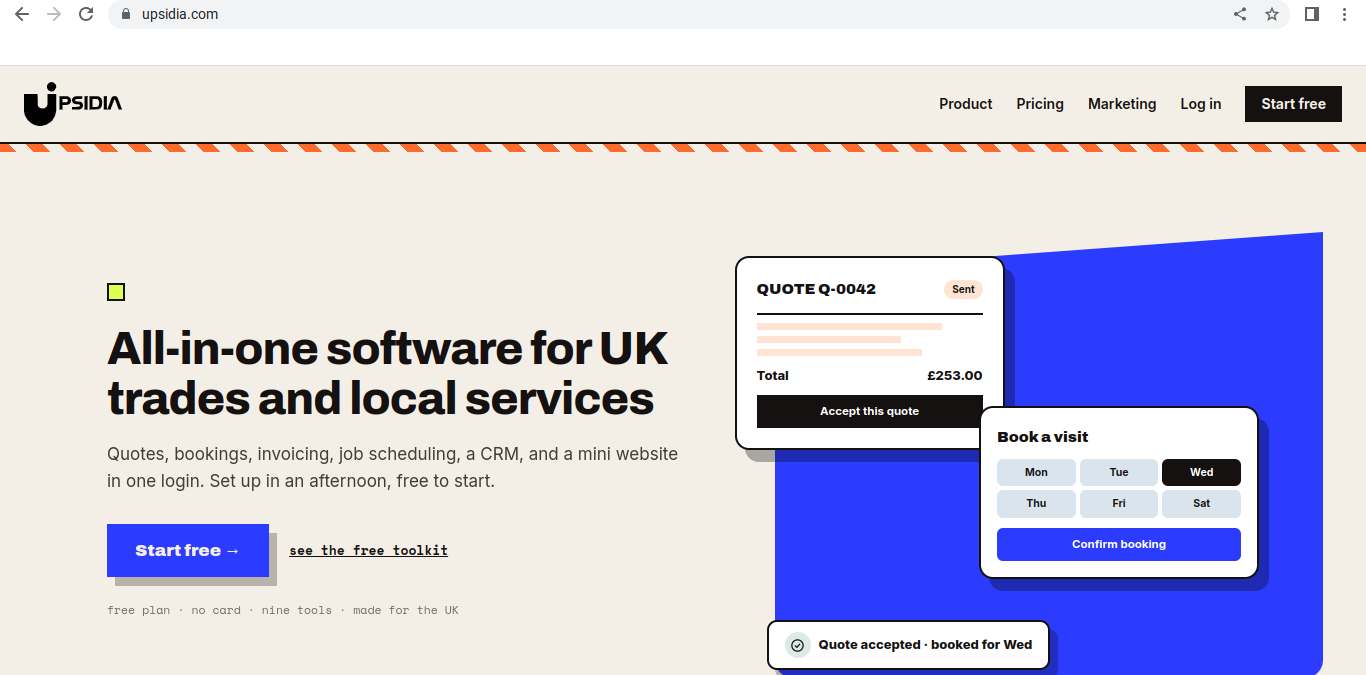
Upsidia is an all-in-one platform for UK tradespeople and local service businesses. It brings together the tools you need to manage customers, bookings, quotes, invoices, and jobs from one place.
With Upsidia, you can keep customer details and job history together, schedule upcoming work, send quotes, turn accepted quotes into invoices, and take online payments. This means you can manage the process from the initial enquiry through to getting paid without having to keep separate records across different systems.
Upsidia also covers the customer acquisition side of the business. You can use its review tools to ask customers for feedback, while its local SEO and Google Business Profile management tools are designed to help your business become more visible to people searching for local services.
So, rather than focusing only on managing jobs once you have won them, Upsidia covers more of the journey: attracting potential customers, turning enquiries into jobs, managing the work, and getting paid.
What is Tradify?
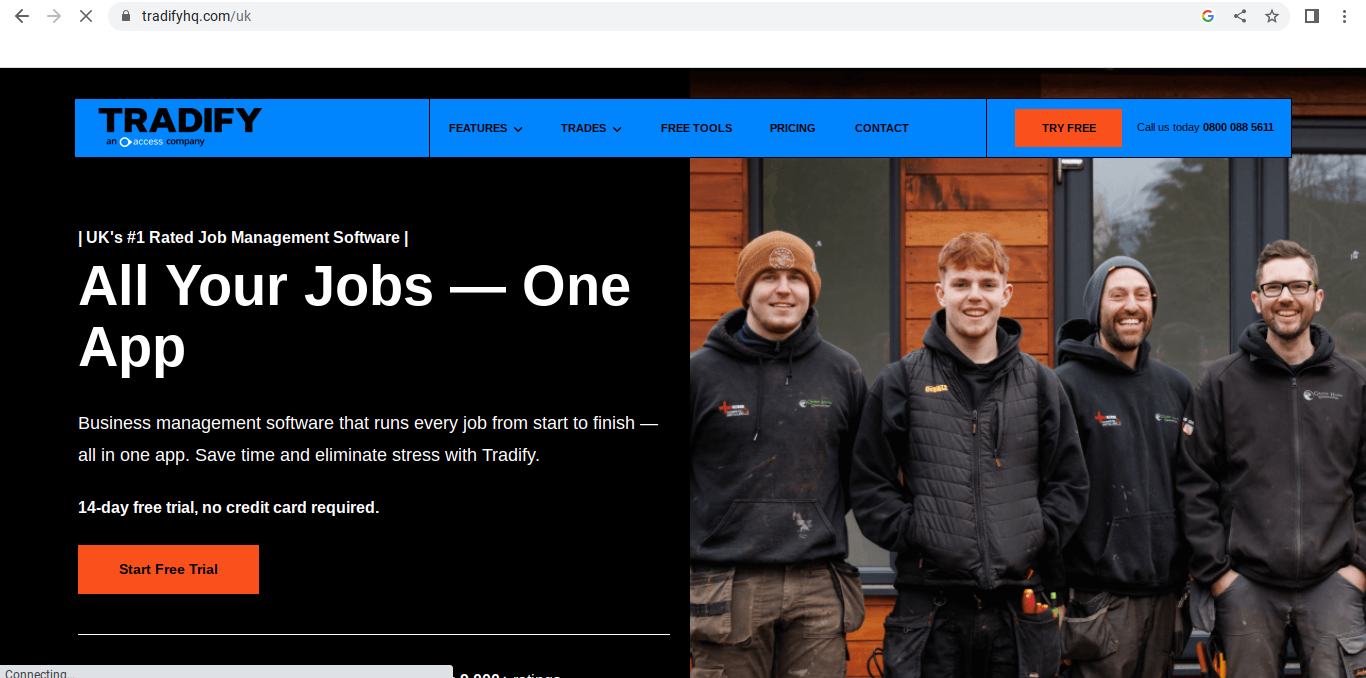
Tradify is a job management software designed for trade businesses. It helps tradespeople organise the work they have already won, from scheduling jobs, and managing customers to creating quotes and sending invoices.
With Tradify, you can schedule jobs, assign work to team members, track time and job costs, create quotes and invoices, and keep customer and job information in one place. Customers can also accept quotes online and make payments through supported payment options.
Tradify also connects with accounting software such as Xero, Sage, and QuickBooks, making it easier to keep your financial records up to date.
Its focus is primarily on managing jobs and the administrative work around them, helping trade businesses keep their schedules, paperwork, cost, and customer information organised in one system.
How to choose between different software
The right job management software depends on how your business works day to day. Before you choose between Upsidia and Tradify, consider the size of your team, the paperwork you handle, and what you need the software to do.
Count how many people will use the software
Start with your team size. A platform that works well for a sole trader may not be the practical option once you have several employees or subcontractors using it.
Check how each platform charges for additional users and what features are included at each paid plan level. This gives you a clearer idea of what you will actually pay as your team grows.
List the paperwork you will produce
Think about the documents and records you create regularly. Do you send quotes before every job? How many invoices do you raise in a month? Do you need job sheets, payment records, or customer history?
Make a list of what you need before comparing features. This helps you focus on the tools you will actually use rather than paying for features that don’t matter to your business.
Check what each tool charges at your team size
Don’t compare the headline price alone. Work out the cost based on the number of people who will actually use the software.
For example, a plan that looks cheaper at first may cost more once you have additional users or features your team needs. Check the plan limits, including features and any additional charges before making your decision.
Try both
If you are still unsure, test both platforms before committing. Use the trial or free plan to carry out some of your normal tasks.
Create a quote, schedule a job, add a customer, send an invoice, and check how easy it is to find the information again. A few real-world tasks can tell you more about whether a platform suits your workflow than a long list of features.
Conclusion
Choosing between Upsidia and Tradify comes down to how your business runs day to day: how many people will use the software, what paperwork you handle, and whether you want help winning new work as well as managing it.
The best test is a practical one. Set up a customer, send a quote, turn it into an invoice, and take payment on each platform. A few real jobs will tell you more than any feature list will.
Want to see If Upsidia fits how you work? Try the free plan, no card needed.
Frequently asked questions
Is Upsidia free?
Yes. Upsidia has a free plan with no time limit and no card details required to sign up. The Free plan includes up to 3 bookings per month, 100 customers, customer CSV import, and access to quotes, invoices and other core business tools. Paid plans are available when you need higher limits and additional features.
How does Upsidia help me get paid faster?
Upsidia connects your quote and invoice workflow, so you don't have to recreate the details of a job when it's time to bill the customer. You can turn a quote into an invoice in one click, edit the invoice if the work changes and send it while the job is still fresh. Paid plans also include card payments and automated reminders.
Can my customers accept quotes online?
Yes. Upsidia lets customers accept quotes online, and you receive an instant notification when they accept. You can then turn the accepted quote into an invoice without re-entering the job details. Tradify also supports online quote acceptance. Customers can accept, decline or comment on a quote through a trackable link in the email they receive.
Can I import my customer list?
Yes. Upsidia supports customer import from a CSV file, so you can bring an existing customer list over from a spreadsheet rather than entering each customer manually. The Free plan supports up to 100 customers.
What are Upsidia's pricing plans and costs?
Upsidia has three plans: Free at £0/month, Pro at £29/month and Team at £59/month when paid monthly. The Free plan is available indefinitely with no card required. Pro and Team increase the limits and add features such as SMS messaging and higher automation allowances.
Want more customers without doing the marketing yourself?
Tell us about your business and we will show you what is holding it back online. No obligation.
Contact us →One useful marketing idea for your trade, straight to your inbox
No spam, no selling your data. Unsubscribe with one click.