Best cleaning software for cleaning companies
Choosing the right software can be the difference between a cleaning business that runs itself and one that is always trying to catch. Here's how to compare tools, including Upsidia, Jobber, ZenMaid, Housecall Pro, ServiceM8, mHelpDesk, and Tradify, and pick the one that actually fits how you work.
· 13 min read
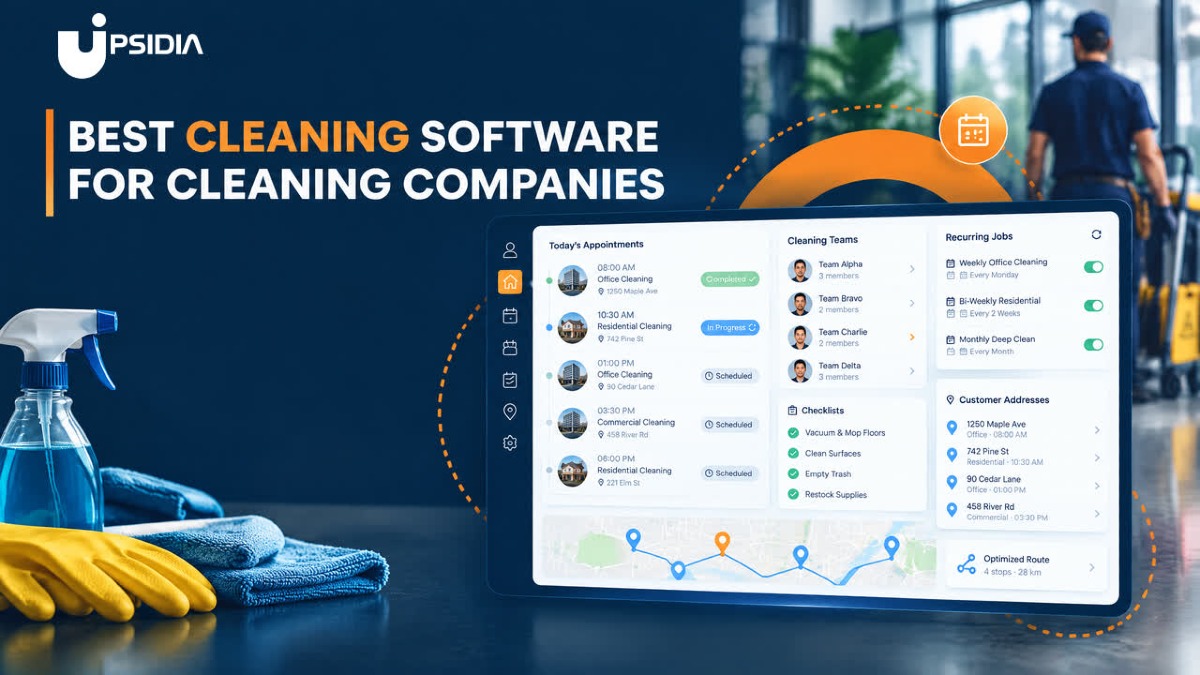
Running a cleaning business in today’s world takes more than a mop and bucket. Behind every spotless job is a diary to juggle quotes to send, cleaners to schedule, and invoices to chase after. Managing all that on paper or in a WhatsApp group works for a handful of clients, but it gets messy fast once you start to get new customers.
The right cleaning software puts your schedule, client details, quotes, and invoices in one place, so you spend less time on administrative tasks and get paid faster.
In this article, we will cover what to look for, compare the best cleaning software for UK cleaning companies, and walk through how to choose and test for the right one for your business.
What is cleaning software?
Cleaning software is a tool designed to help cleaning company owners manage every moving part of their operations: from scheduling and dispatching to customer communication, invoicing, payroll, and reporting.
Cleaning software replaces the mix of WhatsApp messages, paper diaries, and spreadsheets most cleaners start with.
Picture a domestic cleaner with 25 regular customers on different weekly or fortnightly slots. Or a small commercial team looking after three offices and a gym. Software lets each of them set up a repeat visit once, send a quote from their phone, and invoice as soon as the job is done. That is easier than rebuilding next week’s diary every Sunday night.
It also keeps everything about a client in one place: access notes, key codes, preferred products, and who is on which job.
Key features to look out for in cleaning software
Most cleaning software lists look similar on the features page, so a checklist won’t tell you much.
You can determine which tool will truly save you time by answering the six questions below.
Can it handle recurring cleaning jobs without rebuilding a diary?
Most cleaning customers come back on a set schedule; it could be every Tuesday or every first Monday of the month.
The question is whether your software allows you to set that up once and it just keeps happening, or if you have to manually re-add the same job to the calendar every week.
Bad software means you are rebuilding your diary constantly, but good software means you set the reminder once and it flags things like “this customer cancelled this week” automatically.
Will it get quotes out fast and invoices paid faster?
A quote sent from the doorstep, before the customer’s even called anyone else, wins more jobs than the one that goes out later in the evening.
The question is how many steps it takes: is it a couple of taps on your phone right there, or do you need to get back to a laptop and write it from memory?
The same goes for invoicing. If it only goes once you sit down to do your books at the end of the month, you are waiting weeks longer than necessary to get paid. Good software sends the invoice the moment a job is marked completed.
Does it work for cleaners on the move?
Cleaners rarely sit behind a desk. They are always driving between houses, or in and out of properties all day. Few cleaning software programs have a dedicated app, but most have a dashboard that works properly on a mobile phone browser rather than downloaded. The question is whether it actually holds up on a small screen, or whether you are pinching and zooming to tap the right buttons
Can you check the day’s jobs, mark one done, take a payment on the doorstep from your phone, or does it only work once you are back to the office with a laptop? A dashboard that isn’t built for mobile ends up being another administrative task for the evening, rather than something that fits around your actual cleaning services.
Does it keep client details where the team can find them?
Every cleaning job comes with its own instructions: where the keys are, specific cleaning agents to use, access codes, or which room to avoid. This kind of details usually lives in one cleaner’s head, or scribbled in a personal notebook, which works fine until that cleaner is off sick and someone else has to cover the job blind.
Good software keeps it all in the customer’s profile, so anyone on the team can open the job and see what they need to know before knocking on the door. No need for phone calls to the regular cleaner and no guesswork.
What will it cost when you have an addition to your team?
Most cleaning software charges per user, which feels manageable at two or three staff but adds up fast as the team increases. Especially if it’s just for a busy season.
It’s worth checking the prices at your next size up, not just where the business sits today.
A tool that scales cleanly with your team costs you less to grow into than one where every new hire means another line on the bill.
Is it built for UK businesses?
A lot of cleaning software is built for the US market first, and it shows in the details: prices in dollars, no VAT handling, payment methods that don’t quite work for UK banks.
Look for software that’s set up for how UK cleaning businesses actually work, with VAT built in, pricing in pounds, and payment options your customers already use.
Best cleaning software for cleaning companies
The software you pick can be the difference between a cleaning business that runs itself or one that is always trying to catch up.
Every tool below can quote, schedule, and invoice a cleaning job, but the difference shows up in whom each was actually built for, and how much of the day-to- day activity they take off your hands.
1. Upsidia
Upsidia is an all-in-one platform built for UK trades and local service businesses, including cleaning services. It brings quotes, booking, invoices, job scheduling, a CRM, and a mini website together under one login.
Key features:
Quote-to-invoice in one flow. Turns an accepted quote straight into an invoice without re-entering job details.
Recurring job scheduling. Set up a repeat clean once, and it stays on the calendar without manual re-adding.
Accessible customer hub. No need to check different channels for customer information because everything lives in one place.
Built-in mini website. Get a basic web presence live without hiring a designer or juggling a separate site builder.
Customers at a glance. See each customer's total value and revenue received, so you know exactly who your repeat, high-value customers are.
Customer and access notes. Keep key codes, alarm instructions and job history against each customer's profile, so nothing gets missed between visits.
Import your existing customer list. Bring your customer database in from a spreadsheet or another tool in minutes, so you're not starting from zero or retyping every contact by hand.
Online and credit card payments. Take payments through Stripe integration, on-site or after the job.
Pricing: Start with a free plan that gives two users access to 100 customers and 3 quotes/invoices a month, no card required. Upgrade to Pro at £29/month for unlimited quotes and invoices, or Team at £59/month for up to 100 users and advanced analytics. Paid add-ons: Google Business Profile management, SEO, and digital marketing start from £99/month.
Best for: UK cleaning businesses that want administrative tasks and online visibility in one place, without stitching together several tools.
2. Tradify
Tradify is a New Zealand-built job management software for trade and service businesses, including cleaning. It is built to help organisations track and manage jobs from quote to invoice, in real time.
Key features:
Complete workload overview. Track and prioritise jobs, staying on top of what's due, overdue, or coming next.
Quoting with supplier price lists. Import current supplier costs and compare quoted versus actual job costs.
Accounting sync. Send invoices directly to Xero or MYOB, and sync price lists, customers and contacts between systems.
Mobile job updates. Add images, quotes, notes and purchase orders directly from the field, with digital signatures on site.
Accounting software sync. Connects directly with Xero and QuickBooks, so job costing flows straight through without re-entering figures.
Mobile job updates. Add images, quotes, notes and purchase orders directly from the field, with digital signatures on site.
Pricing: Per-user pricing from around $47/month on the Lite plan, up to about $61/month on the top tier. No free version, though a free trial is available with no card required.
Best for: Small cleaning business already using Xero or QuickBooks that wants job costing to sync straight through.
3. ZenMaid
ZenMaid is a cloud-based residential cleaning service scheduling solution designed for maid service owners. The solution offers a platform for users to schedule customer appointments and automate their day-to-day operations.
Key features:
Automated work orders. Cleaners get job details sent straight to them in the field, with no manual handoff needed.
Client reminders and follow-ups. Automatic reminders go out before each clean, with follow-ups afterwards to gather feedback and referrals.
Three-tier pricing by team size. Plans scale with the number of cleaning employees, rather than charging a flat fee regardless of team size.
QuickBooks integration. Export payroll and financial data without re-entering it manually.
Pricing: Priced by the number of cleaning staff, ZenMaid Starter costs $19/month, ZenMaid Pro costs $39/month, and the ZenMaid Pro Max costs $49/month.
Best for: A maid service managing dozens of weekly or fortnightly regulars who want automation to replace manual reminders.
4. Jobber
Jobber is a cloud-based field service platform that brings scheduling, dispatching, invoicing and customer communication into one system, built for home service trades including cleaning.
Key features:
Integrated CRM. Manage client details alongside every quote, job and invoice, rather than in a separate contacts list.
Real-time dispatching. Schedule and reassign team members, with automatic notifications when a job changes.
Client hub. Customers can approve quotes, book online and pay invoices through their own self-serve portal.
AI-powered Copilot. Get recommendations and insights based on your own business activity, flagging opportunities as your workload grows.
Marketing tools built in. Run automated email campaigns, referral programmes and review requests to keep the schedule full.
Pricing: Jobber has no permanent free plan but offers a 14-day free trial. Its paid plan starts with the Core tier at around $49/month/user, covering quoting, invoicing, scheduling, and basic CRM. The Connect tier at $139/month/user covers automated follow-ups, job costing, and online booking. The Grow tier at $199/month/user adds two-way SMS and automated payments.
Best for: A cleaning company with several team members that wants dispatching, marketing and reporting in one system as it scales.
5. Housecall Pro
Housecall Pro is a business solution for home service professionals. Available on web and mobile, Housecall Pro helps home service professionals grow revenue, get paid, manage jobs, and operate their businesses.
Key features:
Automated marketing campaigns. Attract new customers and drive repeat business with service plans, without running the campaigns manually.
Flexible payments. Accept cards, bank transfers, mobile wallets and cheques, with instant payouts and mobile card readers.
Workflow management board. Track leads, estimates and jobs in one visual pipeline.
QuickBooks sync and payroll. Run payroll and track time alongside job data, without duplicate entry.
Pricing: Housecall Pro doesn't have a free version but offers a free trial of 14 days. Its paid version starts from $79/month.
Best for: A cleaning business that wants strong automation around recurring billing and marketing, without chasing invoices manually.
6. ServiceM8
ServiceM8 is a job, staff and client management app for trade contractors and small service businesses, including cleaners, gardeners and locksmiths.
Key features:
Digital job cards. Run the whole job: quotes, notes, photos, and invoicing, from one digital record.
Real-time staff locations. See where your team is on a live map and dispatch urgent jobs instantly.
Offline access. Keep working without signal; the app syncs automatically once you're back online.
No per-user fees. Plans bundle jobs, texts, and add-ons into a single monthly payment, with unlimited users and storage.
Pricing: ServiceM8 has a free version that allows access to just one user and 30 jobs/month. The starter pack is at $29/month and includes 50 jobs/month, the Growing pack is at $79/month for 150 jobs/month, the Premium tier is at $149/month for 500 jobs/month, and the Premium Plus is at $349/month for 1500+ jobs/month.
Best for: A solo cleaner or small team with a high turnover of short jobs, who wants to cut paperwork without paying per member of staff.
7. mHelpDesk
mHelpDesk is a field service solution that automates customer management, quoting, dispatching, invoicing, billing and reporting for service businesses, including cleaning.
Key features:7
Offline mode. Technicians can keep using the mobile app in areas without internet or signal, syncing once back online.
QuickBooks integration. Connects with both QuickBooks Online and Desktop, so accounting doesn't need duplicate entries.
Customisable estimates and invoices. Build templates that match your own business and customer needs, rather than a fixed layout.
Staff schedule visibility. See where your team stands at a glance, helping with dispatching and alerts.
Website integration. Add booking widgets, forms and login boxes to your own site, syncing straight back into the system.
Pricing: mHelpDesk quotes pricing based on business size and requirements, so you'll need to request a quote directly.
Best for: A cleaning business that wants a solid all-rounder for quoting, dispatch and invoicing, and is happy to work through a sales quote rather than a self-serve pricing page.
How to choose the right cleaning software
With so many tools covering almost the same features, it can become difficult to pick the right one for your cleaning business. The actual decision comes down to a handful of practical steps, rather than comparing different feature lists side by side.
Write down what you are trying to solve
Before looking at a single tool, list what you are trying to solve: late payment, a messy diary, cleaners who can't find customers' notes.
This will help you compare software against your problem not against a features page.
Compare two or three tools
Narrow the full list down based on what matters most to you: UK pricing, mobile friendliness, cleaning-specific features, rather than trying to properly evaluate seven tools at once.
Run a free trial with real jobs
Load in a handful of your customer list into the software rather than test data. That's the only way to see whether the recurring schedule, the invoicing flow, and the mobile experience genuinely fits how you work.
Check the cost at double you size
Price the plan not just against your present business level, but against what it will cost when your staff of customer base increases. A software that charges per user is faster to become expensive as your business grows.
Test for support before you commit
Send a real question to support during the trial period and see how quickly and how well they answer. You'll rely on this more than you expect once you're actually using the software day to day.
Conclusion
A proper cleaning software will not only take the place of your paper spreadsheet or journal, but it will also allow you to reclaim the time you are currently spending on administrative tasks rather than customer service.
Whether it's a tool like Upsidia that puts UK tradespeople first or a tool designed especially for maid services like ZenMaid.
Start with what's really holding you back, and consider how much it will cost to expand your cleaning business beyond where you are now. If you do these correctly, the software will operate in the background while you concentrate on your own tasks.
Tired of chasing quotes and late payments? Send professional quotes, schedule jobs, and invoice clients from a single system built for UK trade businesses. Sign up for free and get set up in a few minutes.
Frequently asked questions
What software do cleaning companies use?
Cleaning companies typically use software that handles scheduling, quoting, invoicing and client management in one place or something built specifically for cleaning businesses. The right choice usually depends on team size, whether the work is recurring or one-off, and whether the business is based in the UK or elsewhere.
Do I need cleaning-specific software, or will general field-service software work?
General field-service software can work well, especially if you're a small team doing straightforward, reactive jobs. But cleaning-specific tools tend to handle recurring bookings and staff rotas more naturally, since that's the core of what most cleaning businesses do. If most of your work is repeated weekly or fortnightly cleans, a cleaning-specific tool is usually worth the extra look.
How much does cleaning software cost?
Costs vary widely, from free plans with limited users and customers up to several hundred pounds a month for larger teams with more features. Many tools charge per user, so the price that looks affordable for two or three staff can climb quickly as you grow. It's worth checking the cost at your next size up, not just where your business sits today.
Can cleaning software handle recurring contracts?
Most cleaning software can handle recurring jobs to some degree, letting you set a schedule once rather than rebuilding it every week. How well they handle actual contracts, planned maintenance, and compliance paperwork, varies more.
What is the best cleaning software for small businesses?
For a small or solo cleaning business, the best fit is usually a tool with a low or free entry point, mobile-friendly access, and no per-user pricing that gets expensive with business growth. The right answer still depends on whether you need UK-specific pricing and VAT handling, and how much of your work is recurring versus one-off.
Want more customers without doing the marketing yourself?
Tell us about your business and we will show you what is holding it back online. No obligation.
Contact us →One useful marketing idea for your trade, straight to your inbox
No spam, no selling your data. Unsubscribe with one click.
Related articles
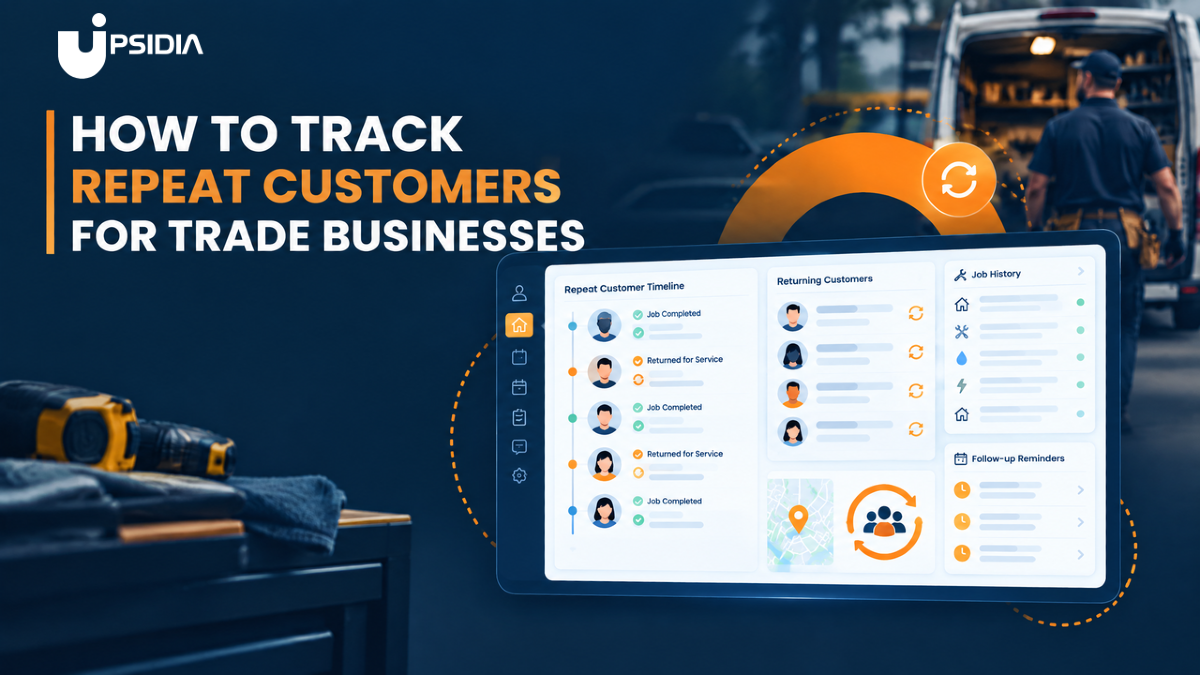
How to track repeat customers for trade businesses
Repeat customers are some of the most valuable people on your books, but only if you know who they are. This guide breaks down the best ways to track repeat customers, from simple spreadsheets to trade-specific CRMs, plus how to turn that data into more bookings, reviews, and referrals.
· 14 min read
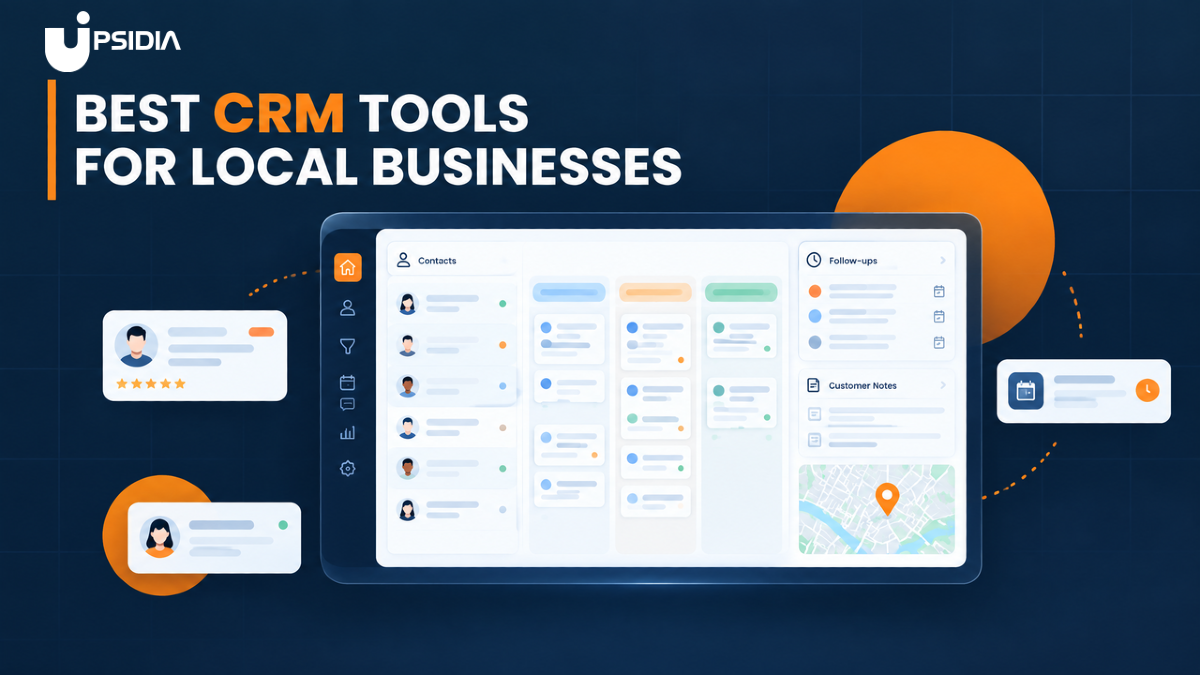
Best CRM tools for local businesses
Compare the best CRM tools for local businesses and tradespeople, including their features, pricing, and what to look for when choosing the right CRM.
· 14 min read

9 Ways to Get More Reviews as a Tradeperson
Want more customer reviews for your trade business? Discover 9 practical ways to encourage reviews, from asking at the right time to using review management software.
· 10 min read