Best Free Quote Templates for Tradespeople and Small Business Owners
Not sure how to put together a proper quote? This guide walks through manual templates, online quoting software, and everything a good quote should include, plus examples for small and large jobs.
· Updated · 7 min read
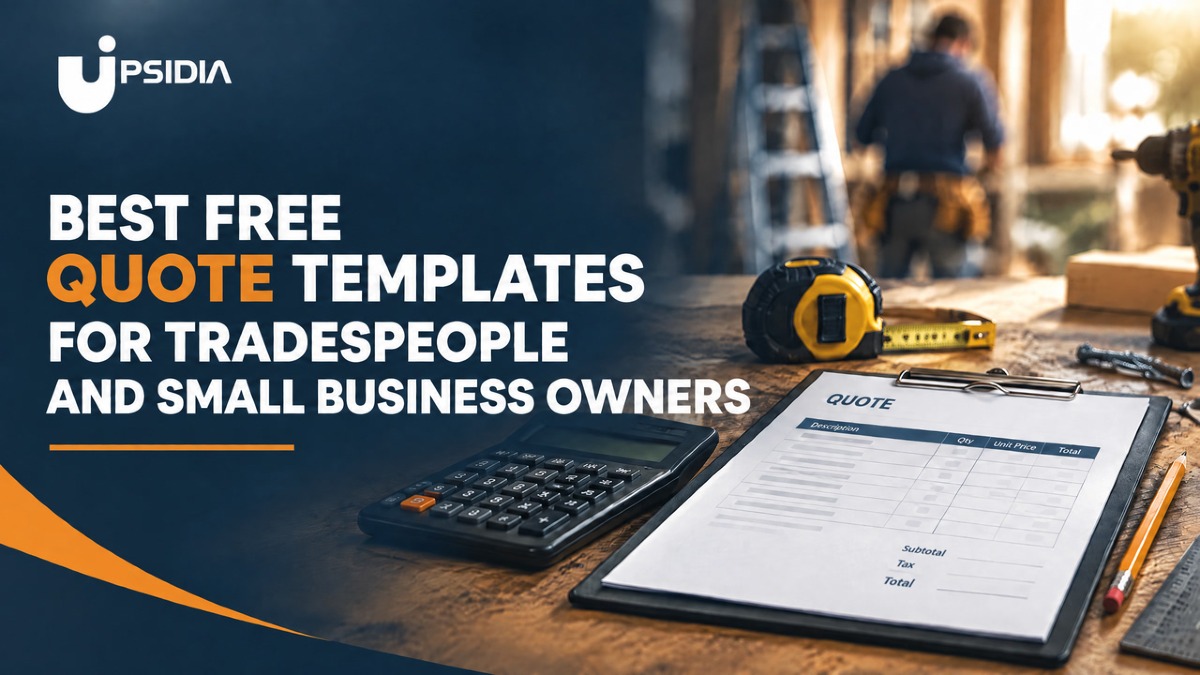
If you are a tradesperson looking for a quote template, you are not alone. When you send prices to customers, a clear, professional quote makes it easier for customers to understand what they are paying for and what the job includes.
A text message with a price might be quick, but it leaves little room to show your work. A well-structured quote gives you space to set out your services, costs, terms and other important details in one place.
The good news is that you do not have to create every quote from scratch. From Word and Excel templates to Google Docs, PDFs and online quoting software, there are several ways to create professional quotes for your business.
In this guide, we’ll look at the different options, what to include in a quote template and examples you can use for your own business.
Why do you need a proper quote template?
When a customer asks three people to quote for a job, they are comparing more than just price. They are also looking at how clearly each tradesperson communicates what they are offering.
A well-structured quote gives customers the information they need to understand the work, costs, and terms before deciding. It can also help you present your business consistently and avoid confusion about what is included in the price.
A good quote template should include:
Your business details: name, contact information, and business address.
A description of the work: a clear explanation of what the job includes.
An itemised cost breakdown: Show the customer how the total price is made up.
Timeline: Include the expected start date, completion date or estimated duration where relevant.
Payment terms: Explain when and how to pay.
Terms and conditions: Include any important conditions, exclusions, or requirements.
The right template brings all this information together in a format that is clear, professional, and easy to customise. Instead of starting with a blank page every time a customer asks for a quote, you have a reliable structure you can adapt to the job at hand.
Different ways to create a quote template
There is no single way to create a professional quote. The best option depends on how often you send quotes, how much customisation you need and whether you want to manage the process manually or online.
Manual quoting templates
Manual quoting templates work best when your quoting process is simple, your pricing system rarely changes, and one person controls everything. You can create a reusable template in Word, Excel, or Google Sheets, add your business details and customers' details, enter the work to be done with pricing, then send the completed quote to your customer.
Templates like this give you control over your layout and calculations, which can make such templates useful for small trade businesses or those just starting.
The downside of using the manual quoting templates is that the whole process remains manual. You are responsible for keeping track of every approved quote, re-entering customer details and job descriptions when it's time to convert the quote to an invoice.
This brings about a very high rate of errors and inaccuracies, slow response times, inconsistent branding and formatting, and limited follow-up for quotes that have not been responded to by customers.
Online quoting templates and software
Online quoting software combines quote templates with tools for creating, sending and managing quotes. It can calculate the subtotal and total as you add the prices, create and send professional quotes, save customers' details, send quotes online, and track responses. Some software can also let you convert approved quotes to invoices without re-entering the details from scratch.
Good quoting software helps make your price-to-payment journey easier. It also helps you respond to customers faster, maintain a professional and organised look, and keep your quotes consistent in branding and formatting.
With an all-in-one platform like Upsidia, you can also manage what happens after the quote is accepted, helping you move from the quote to the next stage of the job without having to manage everything separately.
This can be particularly useful when you send quotes regularly and want to spend less time creating and managing them manually.
How to choose the right quote template
Not every quote template will suit every business. Before choosing one, look for a template that makes it easy to present your work clearly without creating more administrative tasks for you.
Here are a few things to consider:
Easy to customise
You should be able to add your business name, logo, contact details, and other information without having to redesign the entire template you want to send a quote.
Clear pricing
The template should give you enough space to show your services, quantities, individual costs, and total price clearly. Customers should not have to work out what each amount means.
Includes the important details
A good template should have space for the job description, timeline, payment terms, and terms and conditions, alongside your business and customer details.
Professional and easy to read
Your quote represents your business, so choose a layout that looks professional without being cluttered. The information should be easy for the customer to scan and understand.
Works for your quoting process
Think beyond how the quote looks. If you send quotes regularly, you may want an option that makes it easier to save customer information, reuse prices, send quotes, track responses and manage accepted quotes.
A template that looks good is useful, but one that fits your quoting process can save you more time.
Quote template examples for tradespeople
A quote template does not have to be complicated. The most important thing is that it gives the customer a clear breakdown of the work and what they will pay.
For example, a simple quote for a plumbing job could look like this:
ABC Plumbing Services
123 High Street, London
Description | Cost |
Kitchen tap | €100 |
Labour | €150 |
Total | €250 |
Estimated completion: 1 day
Payment terms: Payment due on completion
For a larger job, the template can include more detail. A builder quoting for a kitchen renovation as the main contractor, for example, might bring in a plumber and electrician for some stages, then break the whole work down for the customer like this:
Description | Cost |
Removing existing kitchen | €800 |
Plumbing work | €1,500 |
Electrical work | €1,200 |
Flooring | €1,800 |
Kitchen installation | €3,200 |
Total | €8,500 |
Estimated completion: 5-7 working days
Payment terms: 50% deposit, balance due on completion.
Breaking the quote down by stage, even when different trades are involved, helps the customer see exactly what they are paying for, and gives you a clearer reference point if anything changes once the job is underway.
The same basic structure can be adapted for different trades and types of work, whether you are quoting as a sole trader or coordinating several subcontractors on a bigger job. You can also add your logo, colours, and other business details to make the quote consistent with your brand.
If you would rather not create a template yourself, online quoting software can provide ready-made designs that you can customise. For example, Upsidia offers five quote designs: Ink, Trade, Slate, Classic, and Minimal.
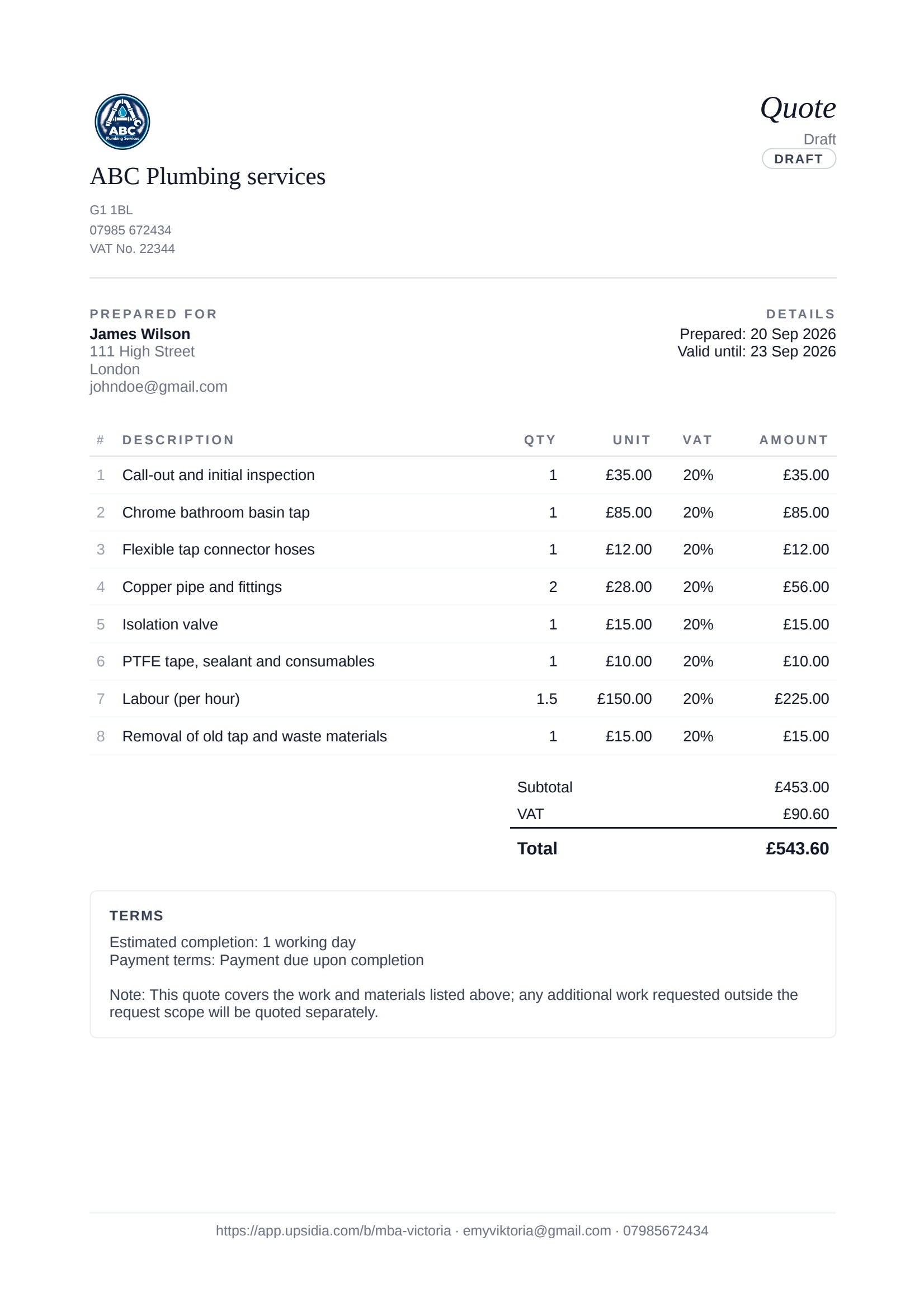
Use this template for your quote template: https://app.upsidia.com/start/quote?template=minimal
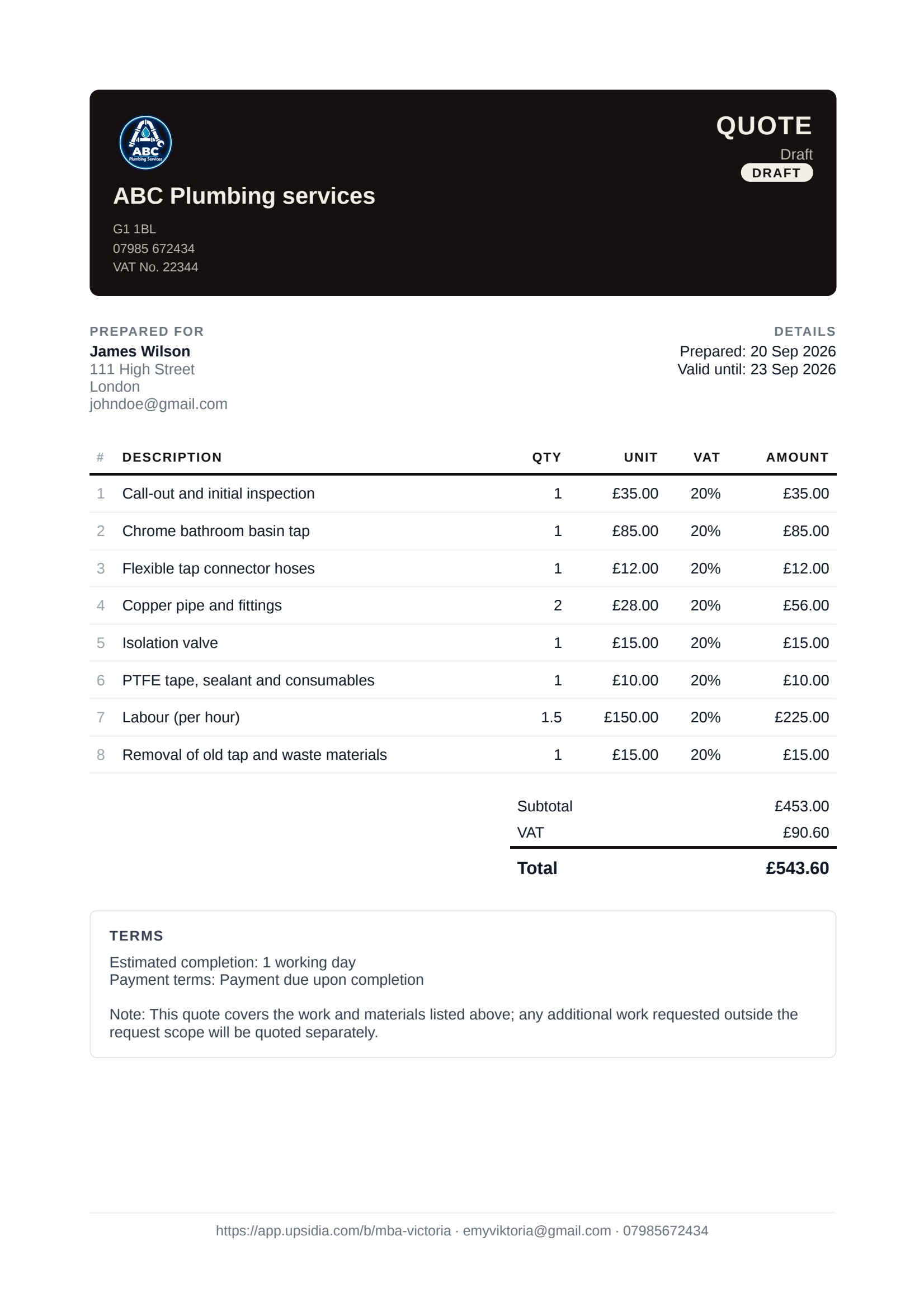
Use this template for your ink quote template: https://app.upsidia.com/start/quote?template=ink
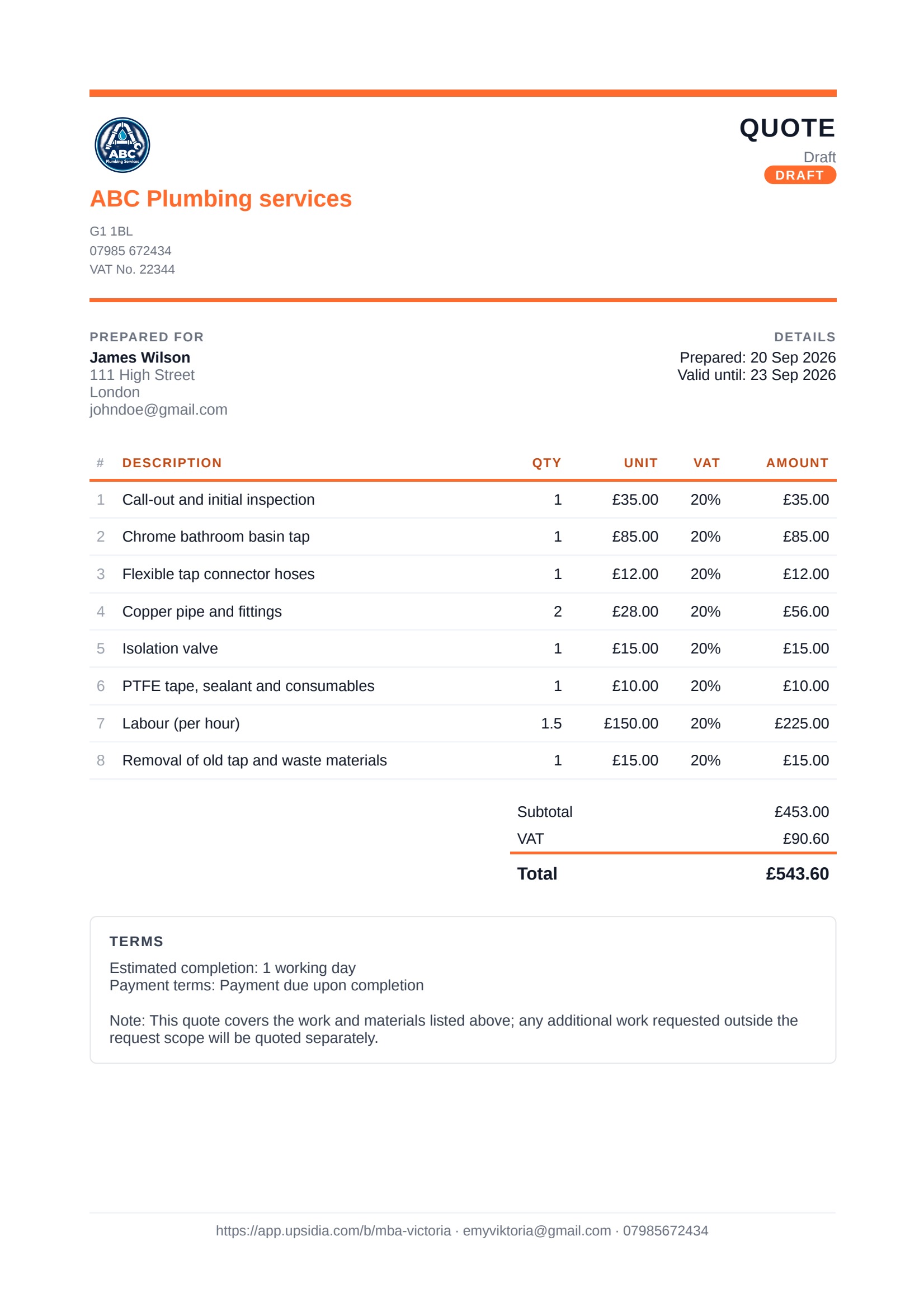
Use this template for your trade quote template: https://app.upsidia.com/start/quote?template=trade
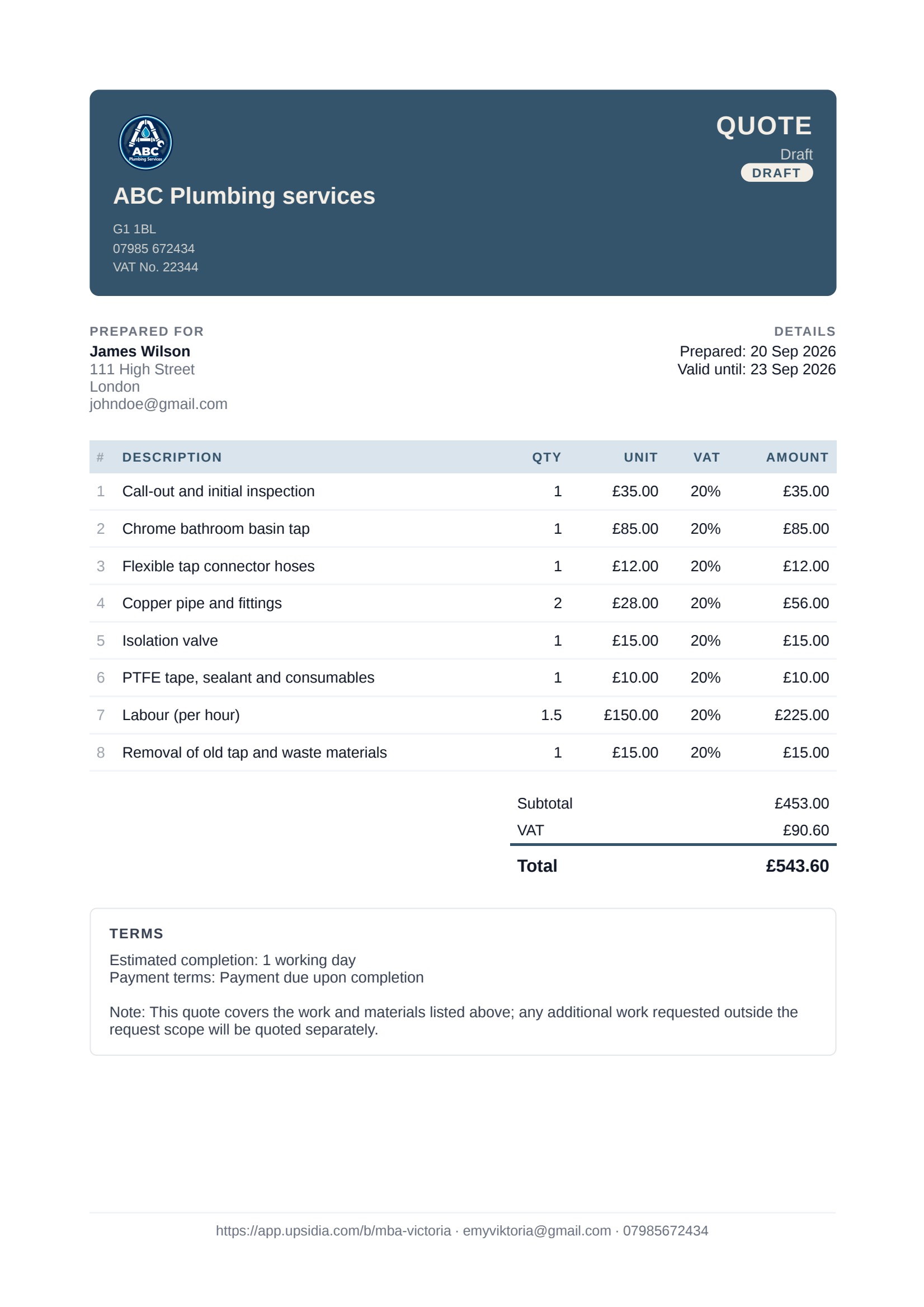
Use this template for your slate quote template: https://app.upsidia.com/start/quote?template=slate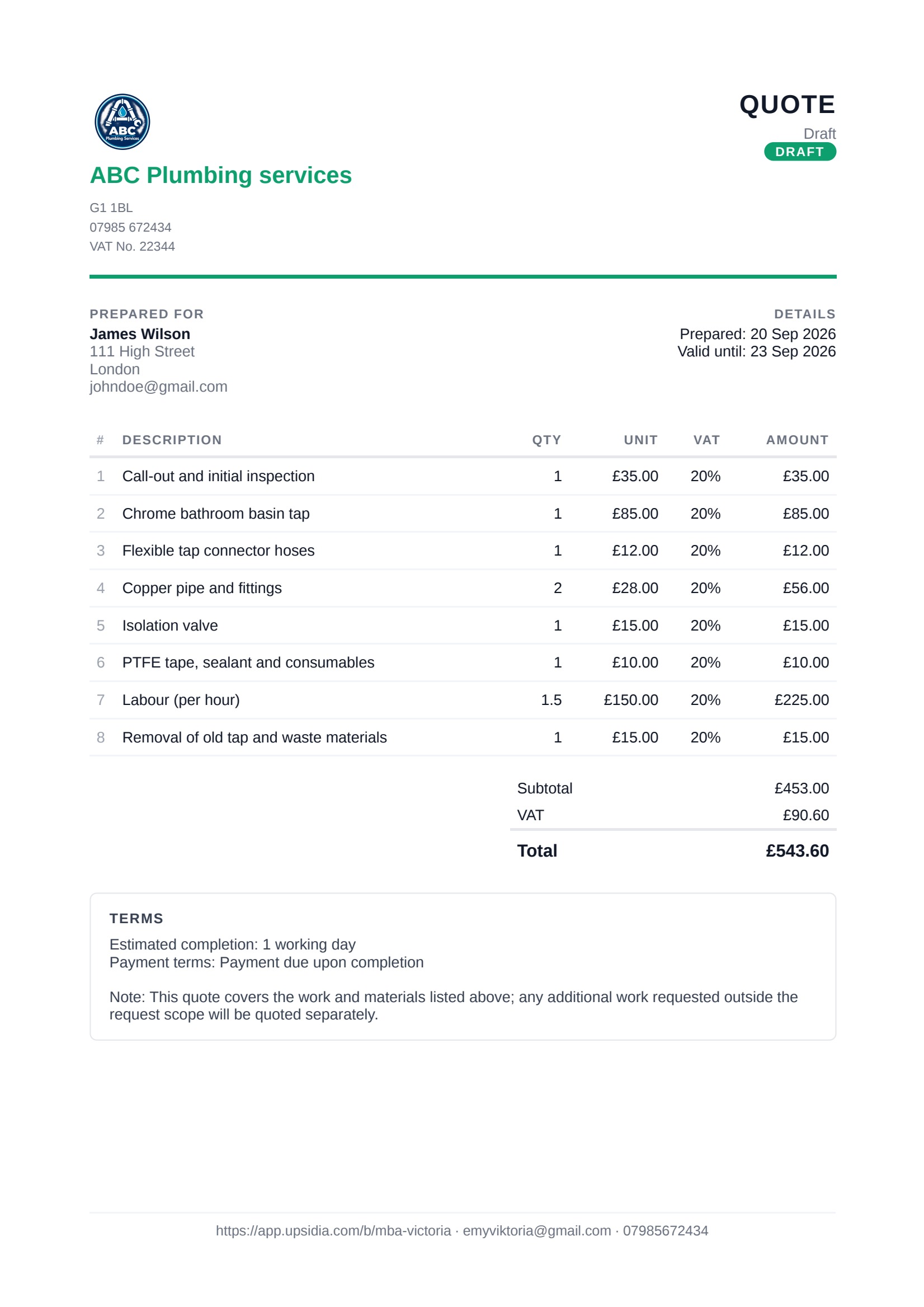
Use this template for your classic quote template: https://app.upsidia.com/start/quote?template=classic
These designs give you a starting point for creating a professional quote without having to format every document from scratch.
Conclusion
Manual quote templates are a useful starting point, but creating, sending, and tracking every quote manually can quickly become another task of its own as your business grows.
Quoting software, like Upsidia, can create professional quotes, save customer and pricing information, send quotes online, and keep track of what happens after they are sent. When a customer accepts a quote, you can also move to the next step by converting directly to an invoice without starting the whole process again from scratch.
Instead of using a template simply to create a document, you can have a system that helps you manage the quoting process from start to finish. For tradespeople or small business owners who send quotes regularly, that can mean less time spent on administrative tasks and more time focused on work.
Ready to send your next quote? Create professional quotes with Upsidia and manage what happens next.
Frequently asked questions
What should a professional quote include?
A professional quote should include your business details, the customer's details, a clear description of the work, an itemised breakdown of costs, the total price, payment terms, the quote's validity period and any relevant terms and conditions.
How long does a quote stay valid for?
There is no standard validity period for every quote. You can choose a period that suits your business and the type of work you provide. Make sure the expiry date is clearly stated on the quote so the customer knows how long the price and terms remain available.
Is it worth using online software for occasional quotes?
It can be. Even if you only send a few quotes, online quoting software can save you from repeatedly creating documents from scratch. It can also make it easier to send quotes, keep customer information organised and track responses.
What is the difference between an estimate and a quote?
An estimate is an approximate price based on the information available at the time and may change as the work becomes clearer. A quote gives the customer a specific price for the work described, subject to the terms and conditions provided.
Do I need VAT on my quote?
If you are VAT-registered, your quote should show the applicable VAT and make clear how much VAT is included. If you are not VAT-registered, you generally should not charge VAT. UK businesses should check the current HMRC rules to determine whether they need to register for VAT.
Want more customers without doing the marketing yourself?
Tell us about your business and we will show you what is holding it back online. No obligation.
Contact us →One useful marketing idea for your trade, straight to your inbox
No spam, no selling your data. Unsubscribe with one click.
Related articles

Social media marketing tactics for local service businesses
Social media can turn local browsers into booked jobs. Discover practical tactics for choosing the right platform, creating trusted contents, attracting nearby customers, and tracking which posts bring in enquiries.
· 20 min read

How to optimise a Google Business Profile for local visibility
When someone searches for a tradesperson nearby, Google shows three local businesses first. This guide walks through five steps to optimise your Google Business Profile and improve your chances of appearing there, from set up and photos to reviews, posting and tracking result.
· 14 min read

How to Grow Your Trade Business in the UK
Growing a trade business takes more than finding new customers. Learn practical ways to attract new business, retain existing customers, increase repeat work, and build a stronger foundation for sustainable growth.
· 23 min read